Skip to content

SWG Studio Image-first portfolio template for creative and AI studios

SWG Studio is an image-first portfolio template for creative and AI studios, built with Astro (7 page types). It costs $79 once, VAT included, with the full source code and free updates; the standard licence covers your own and your clients' sites.

  • One-time payment, VAT included
  • Free updates
  • Secure checkout by Blink
Page types
7
Built with
Astro
Lighthouse desktop
100
Updated
Nov 17, 2026

Overview

An image-first portfolio for AI image studios, 3D artists and creative agencies: a full grid of cases, rich case pages, a studio story and a contact form built for real briefs.

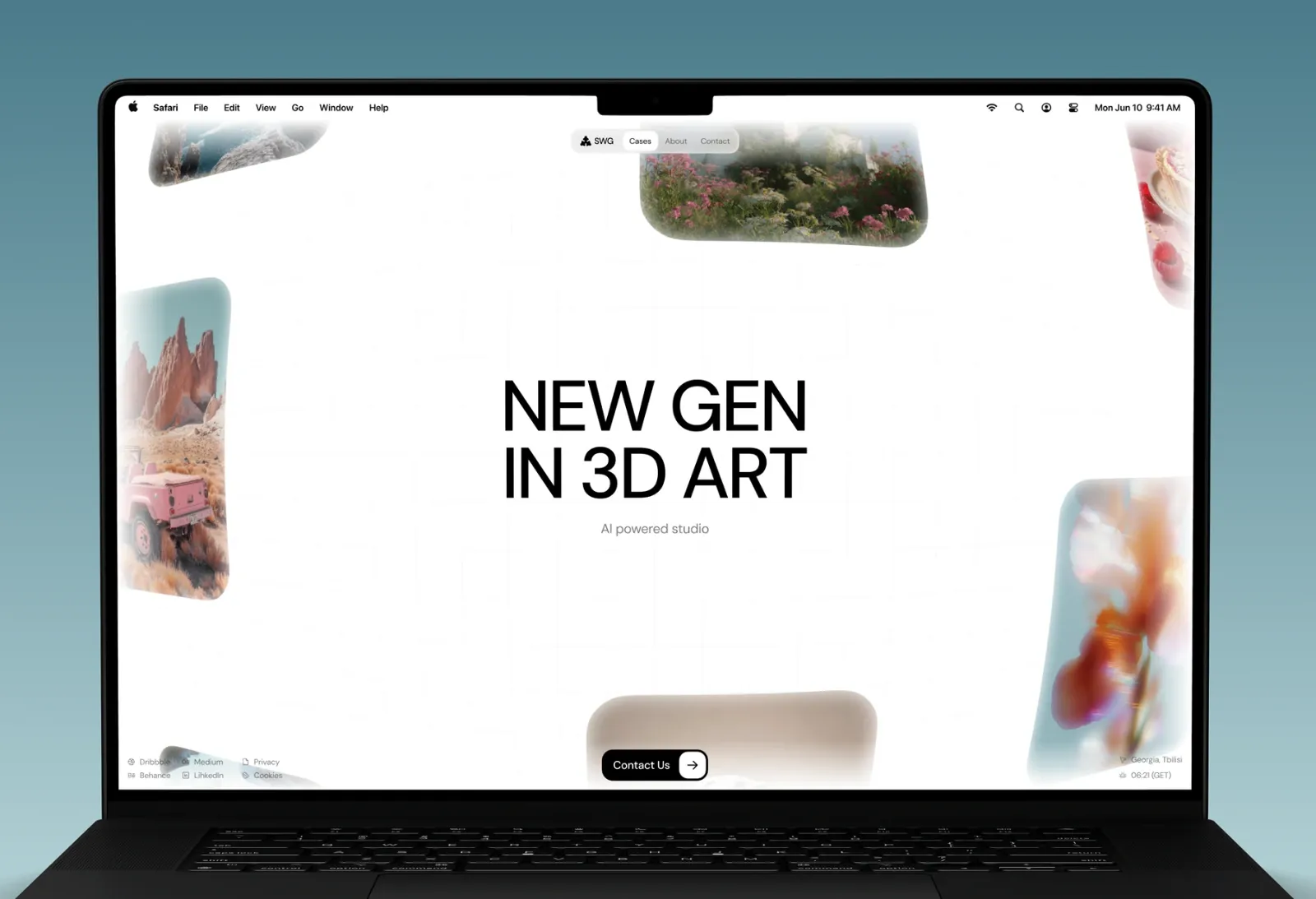
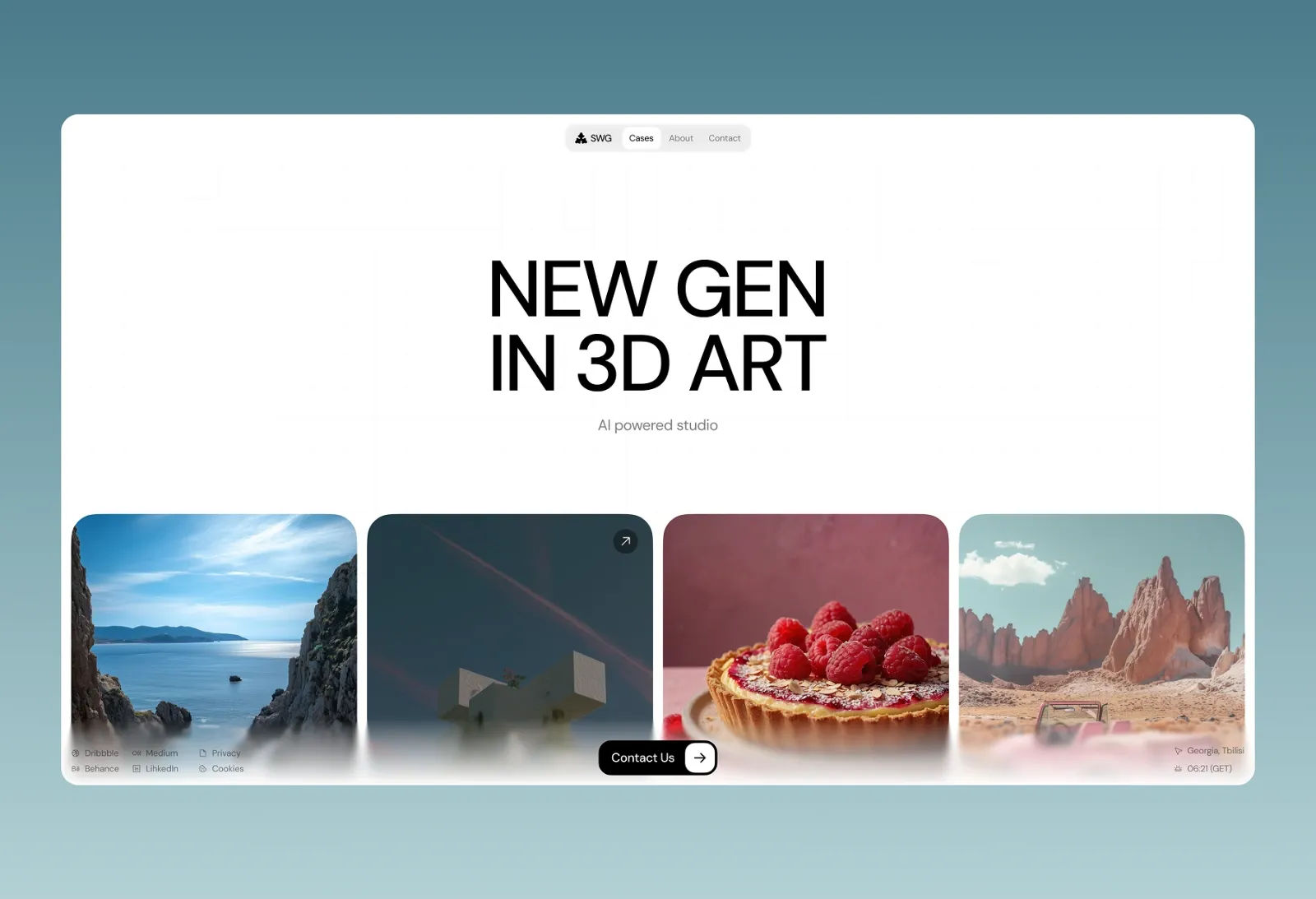
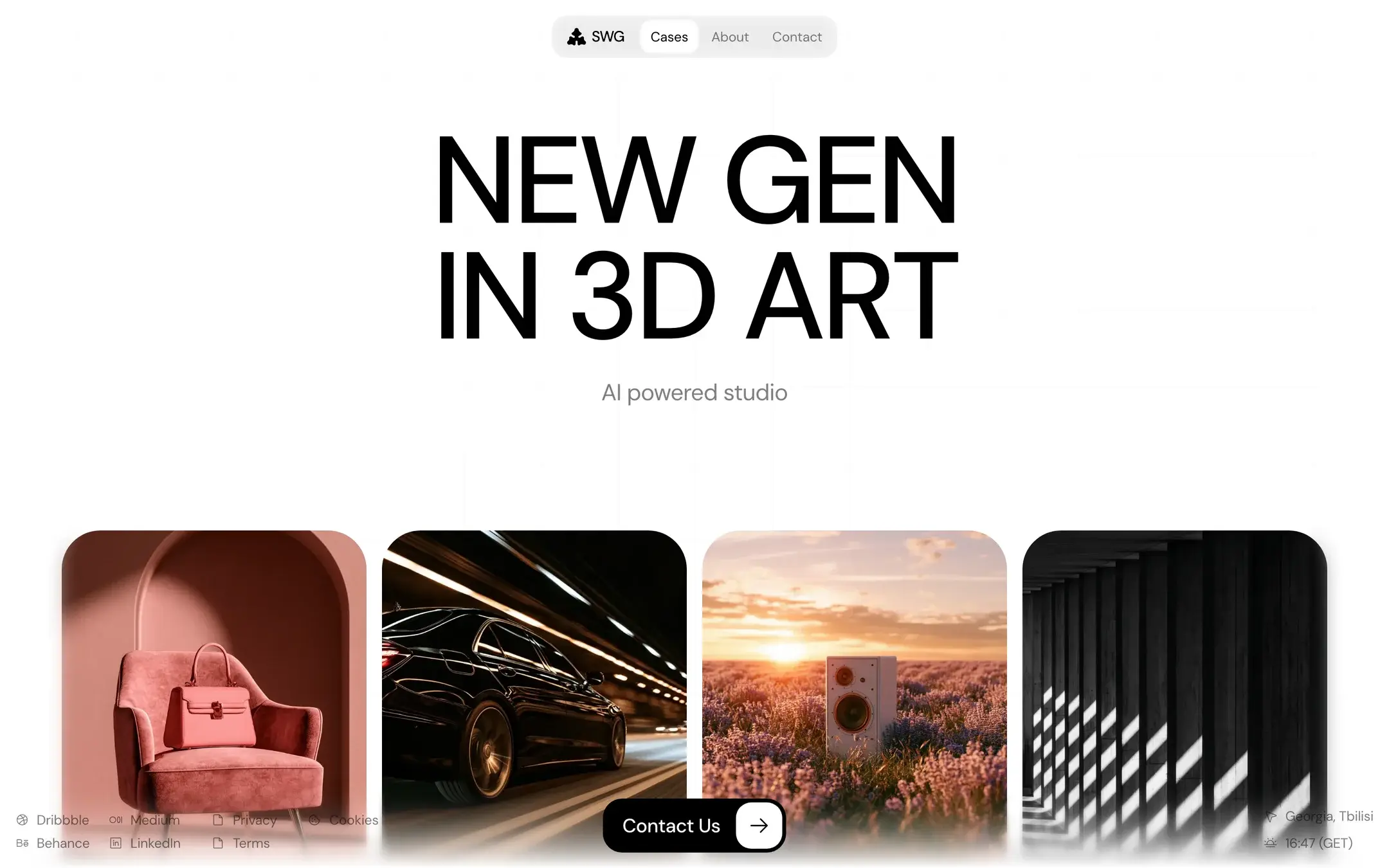
SWG is a portfolio template for studios whose work speaks for itself: AI image studios, 3D artists, motion designers and creative agencies. The design steps back and lets the visuals lead. A short, bold headline sits above a full grid of case studies, with nothing in between.

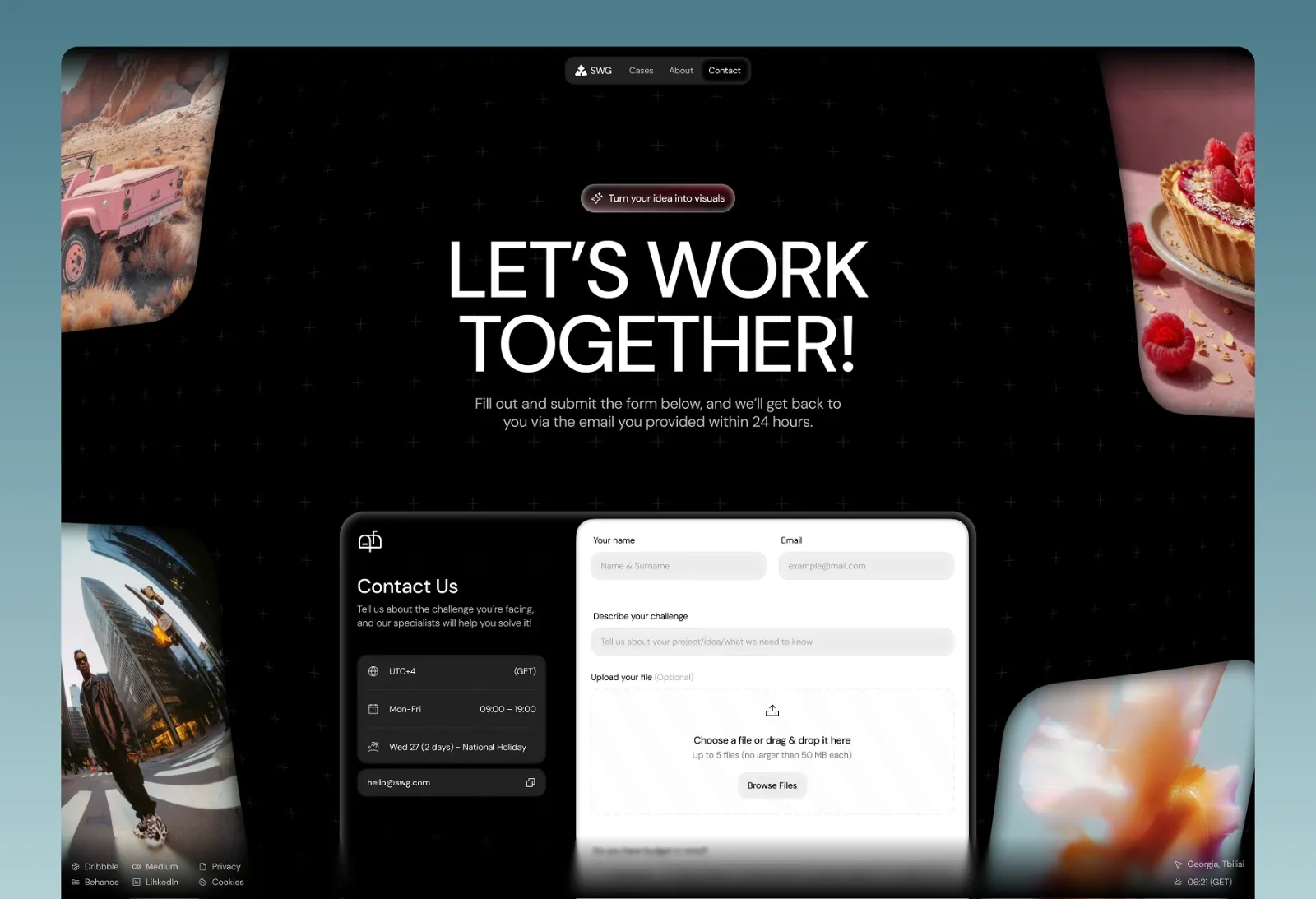
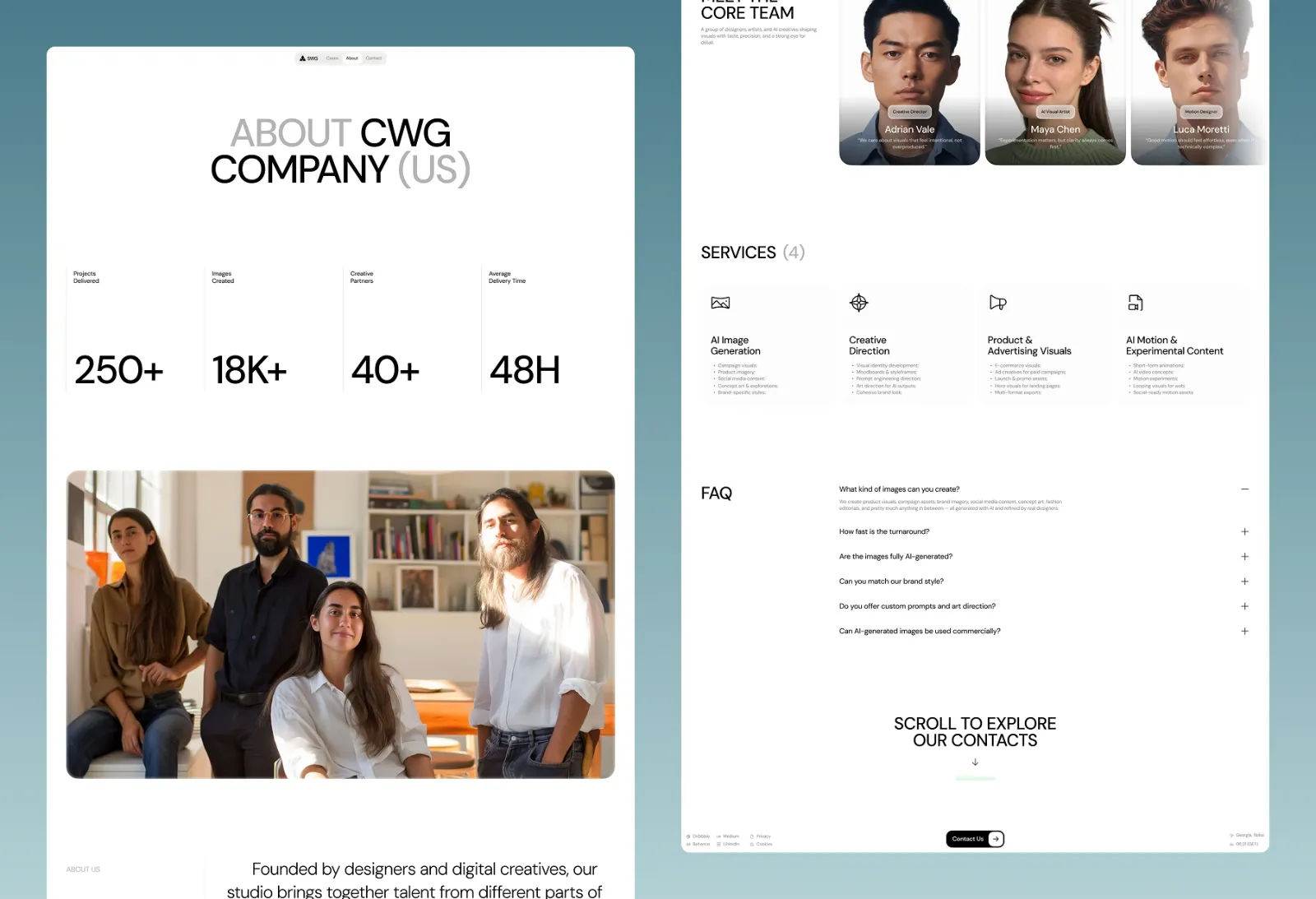
Every case opens as its own page, so you can show a project in depth with the client name and visuals. The About page tells the studio’s story with key numbers, a team section with roles and personal quotes, a services breakdown and an FAQ. The Contact page goes beyond a basic form: visitors can describe the brief, attach files by drag and drop, choose a budget range and save the request as a draft.

Small details make it feel alive. The header shows a live local time for your studio’s city, page changes use smooth view transitions, and SEO and social preview tags come ready out of the box.

Built with Astro for fast loading and clean code.
Specs

Key facts

Lighthouse, desktop Home page of the live preview without its demo bar, desktop, median of 3 runs, Nov 17, 2026
  • 100
  • 100
  • 100
  • 100
Page types 7: Home / cases grid, Case study page, About, Contact, Privacy Policy, Terms and Cookies
Built with Astro
Home page weight 129 KB of JavaScript, 1,969 KB in total (transferred) Measured with Lighthouse, Nov 17, 2026
Version 1.1.0, released Oct 19, 2026, updated Nov 17, 2026
Price $79 one-time, VAT included
Licence Your own and your clients' sites, unlimited projects, updates included; no reselling the template
Hosting Any static host (Cloudflare, Netlify, Vercel, GitHub Pages and others)
Not for Sites that need user accounts, a dashboard or payments inside the site: this is a marketing site, so pair it with your app or a SaaS boilerplate.

Release notes

  1. v1.1.0 SWG Studio 1.1.0: ready to launch on any host
  2. v1.0.0 SWG Studio 1.0: portfolio for creative and AI studios
Full changelog

7 page types

Every page, already designed

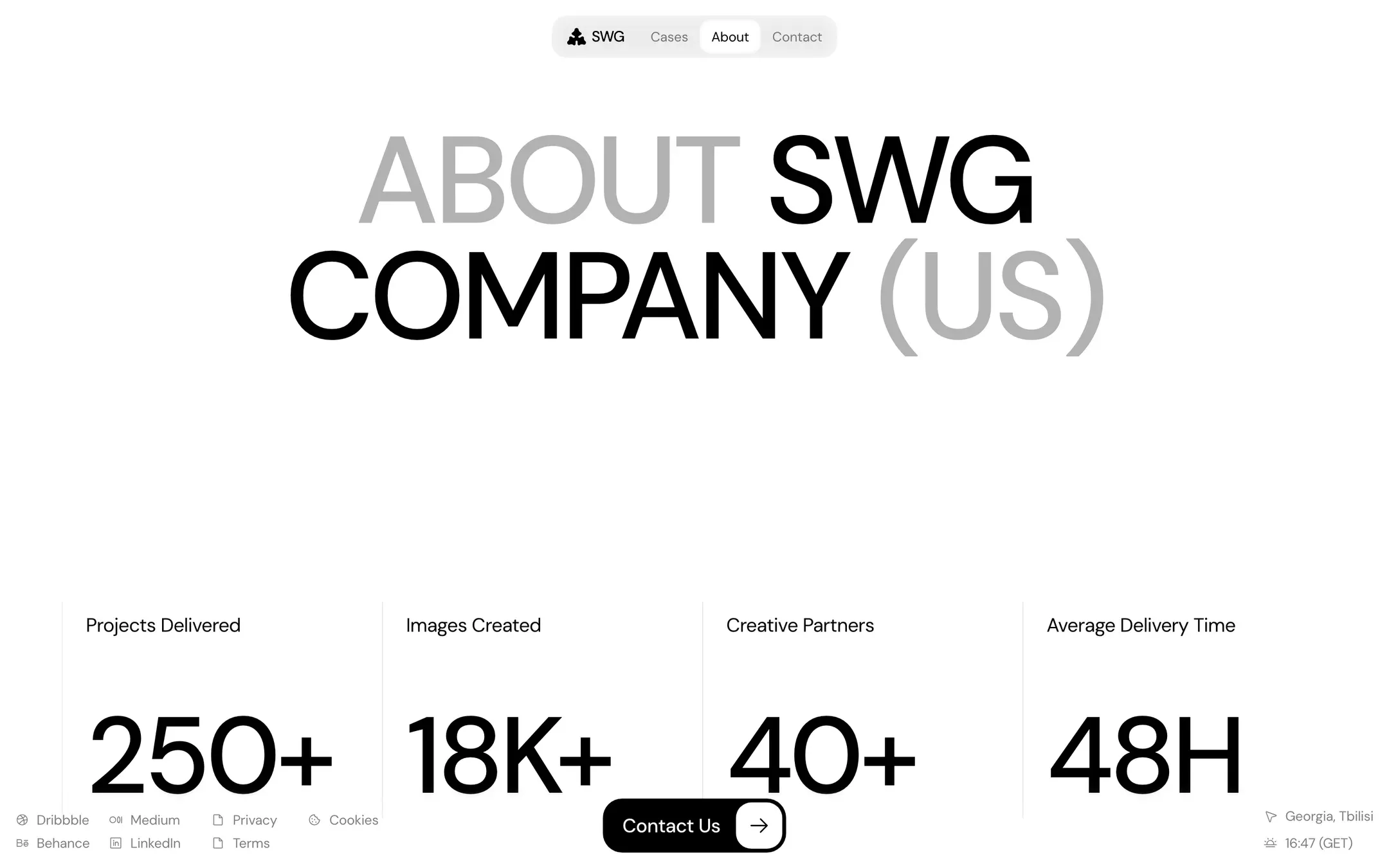
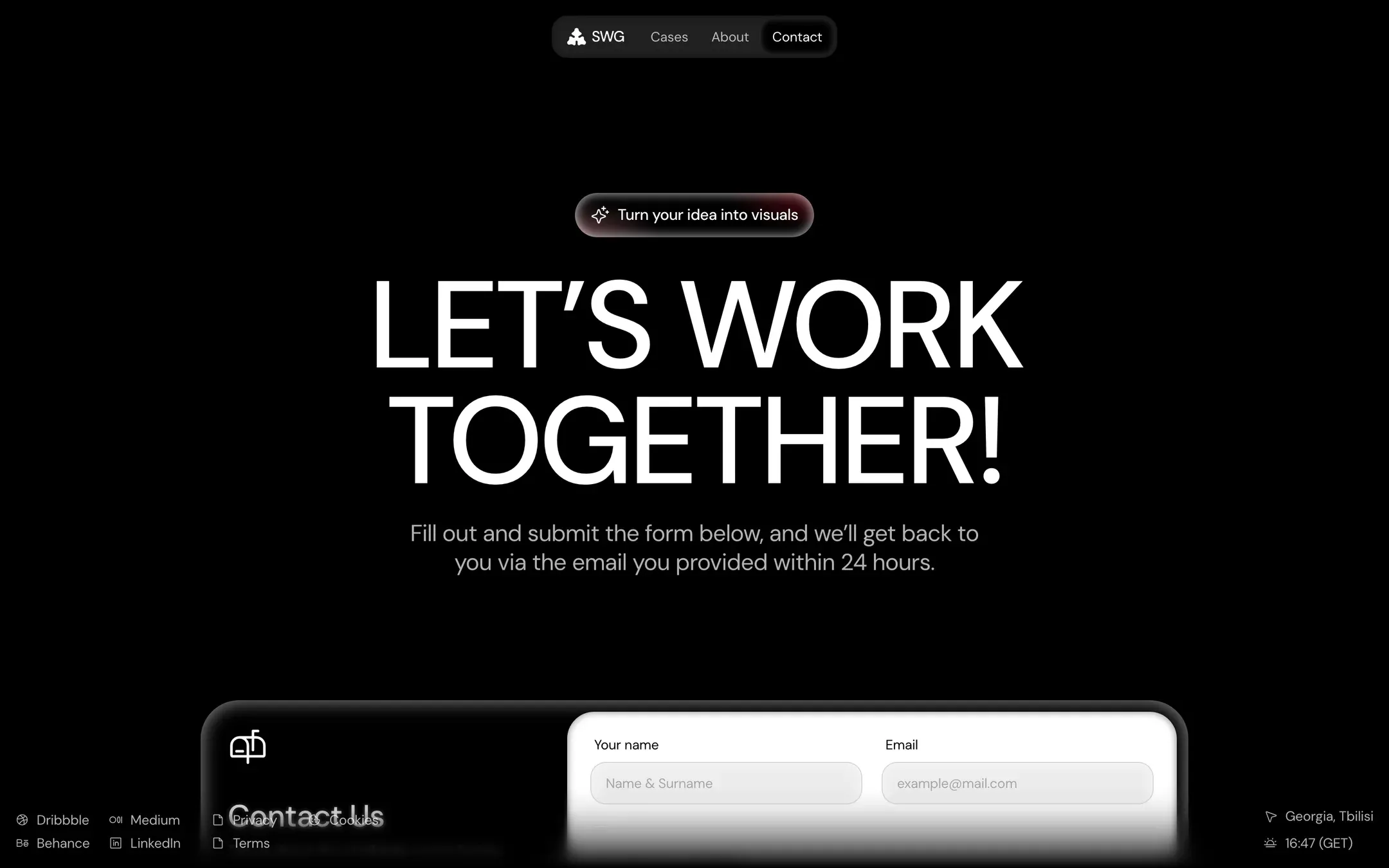
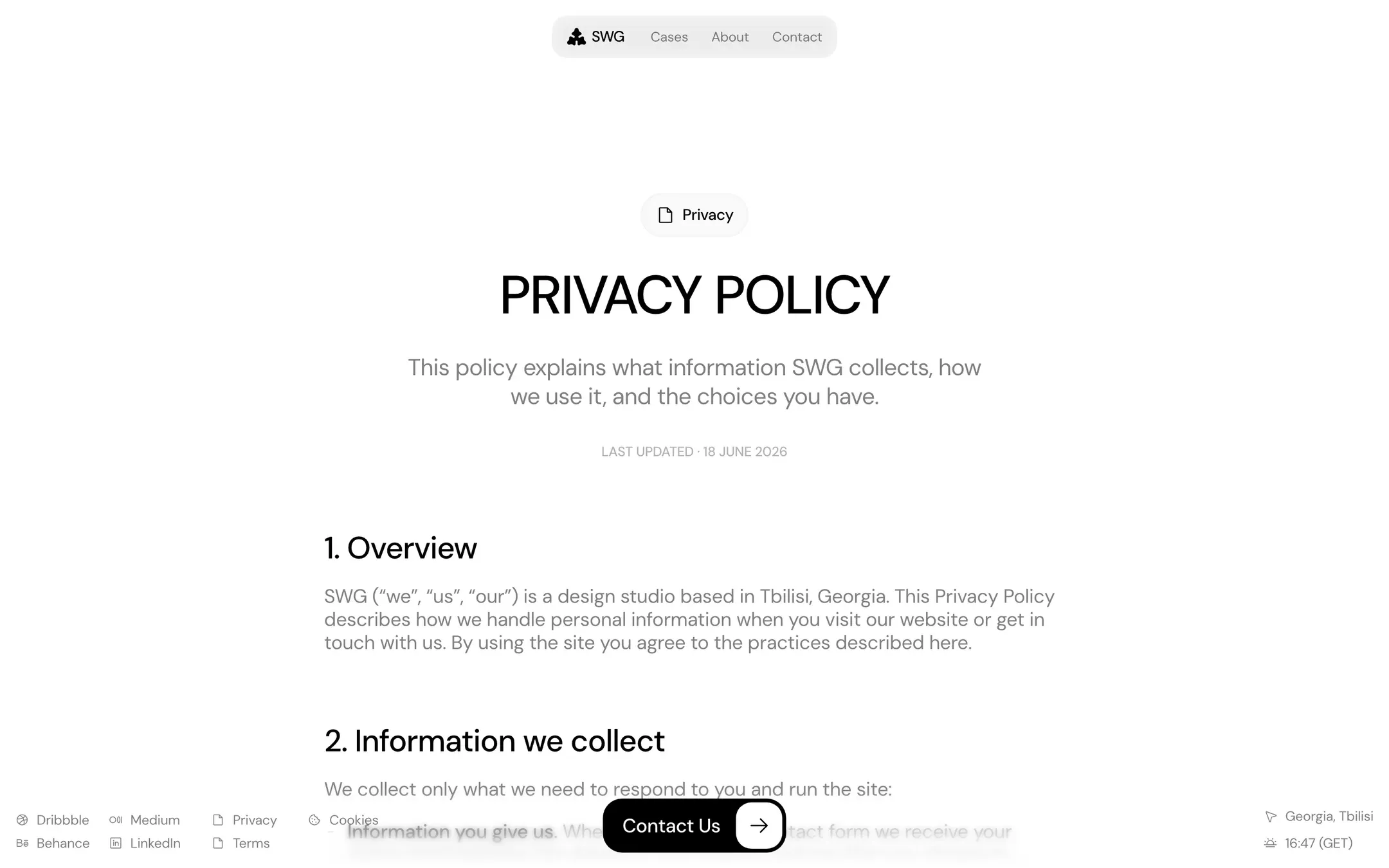
Go through the SWG Studio demo page by page. Every screenshot is the live preview: open any page to click around it.

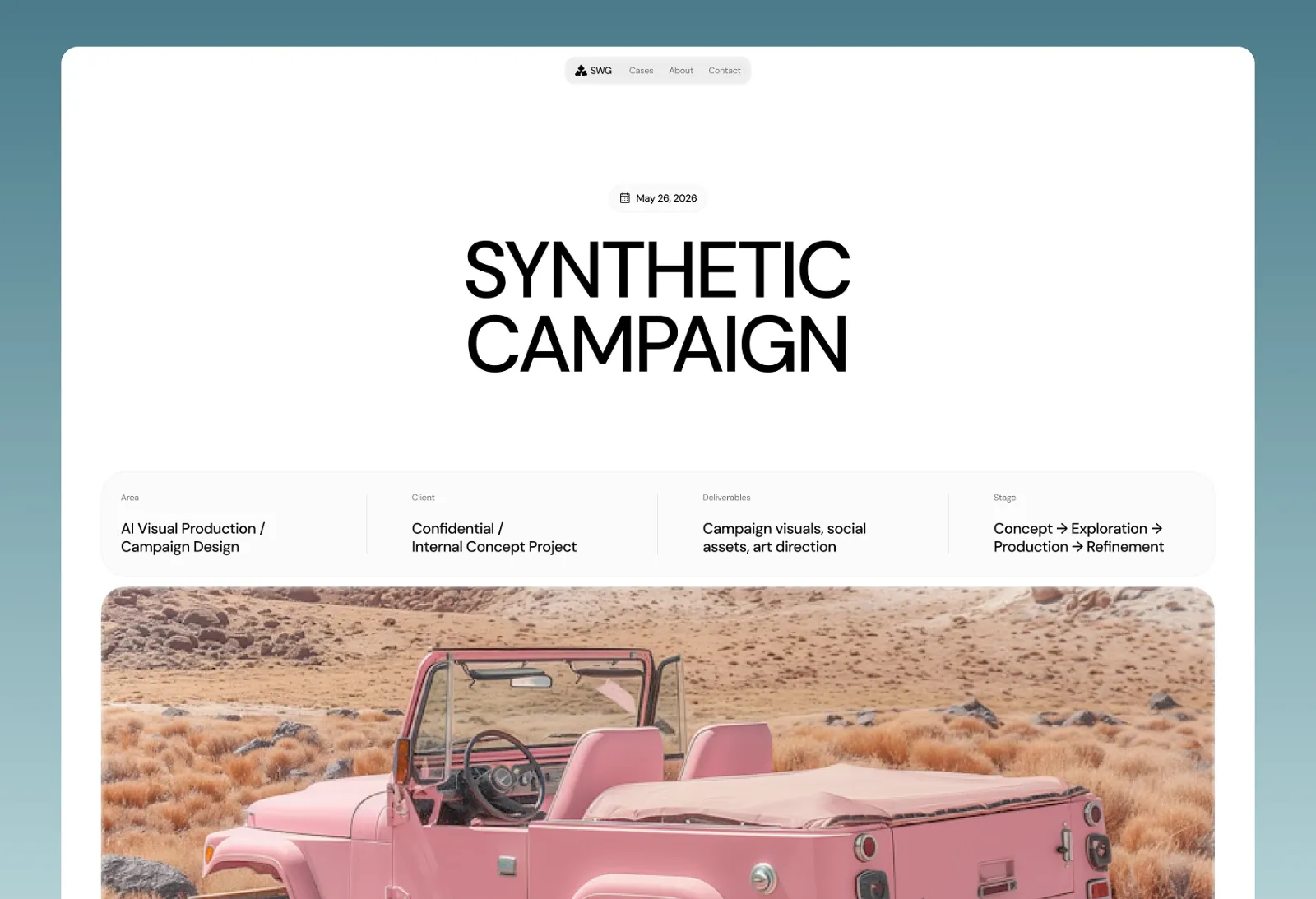
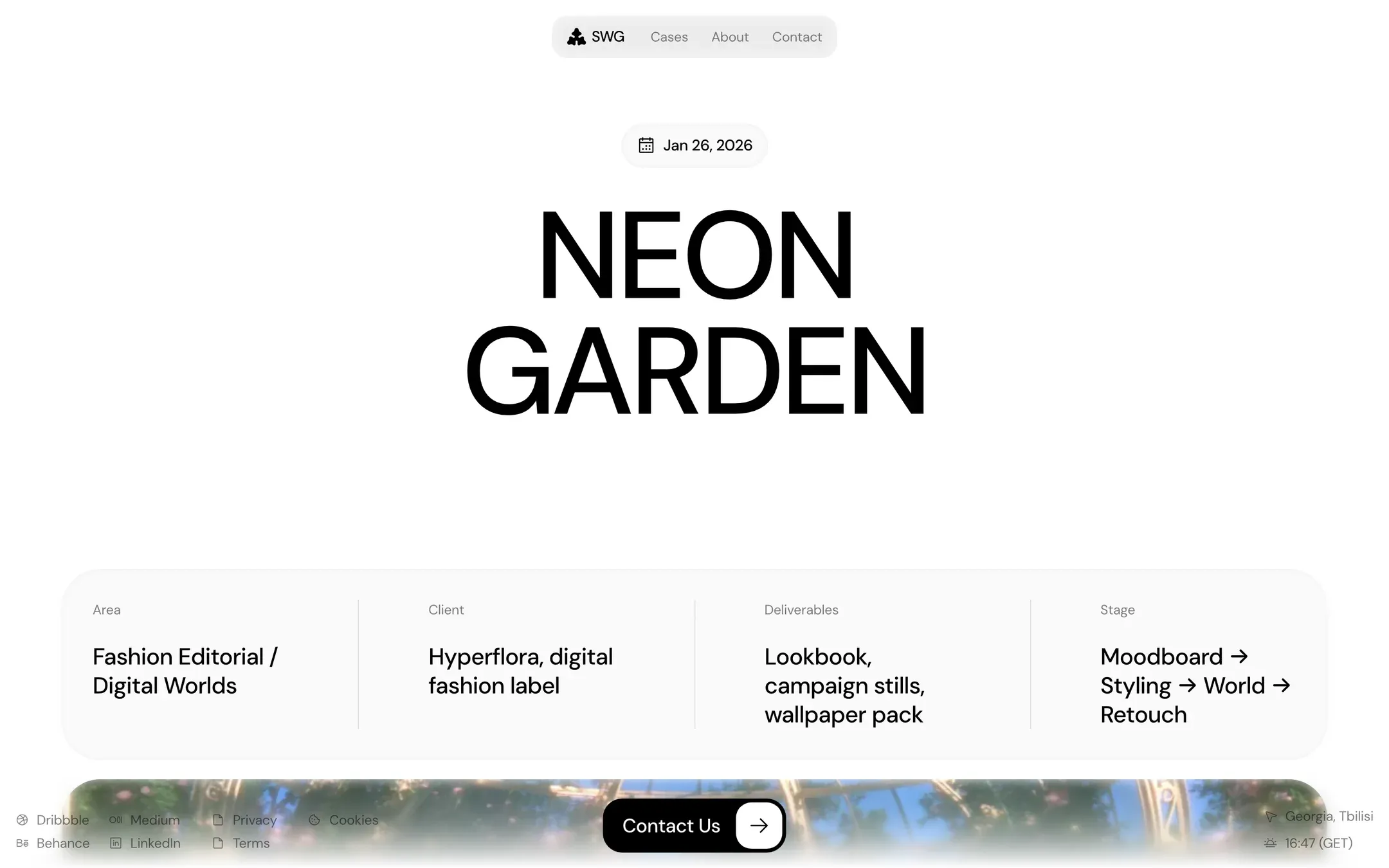
SWG Studio case study page: Each project with its area, client, deliverables and stage, then the images, the final result and related cases.

Case study

Each project with its area, client, deliverables and stage, then the images, the final result and related cases.

Open this page

Try before you buy

See SWG Studio with your brand

Open the live demo with your logo, product name and headline, click through its pages, then copy a prompt that makes the same changes in the source. Nothing is uploaded.

Try it with your brand

Gallery

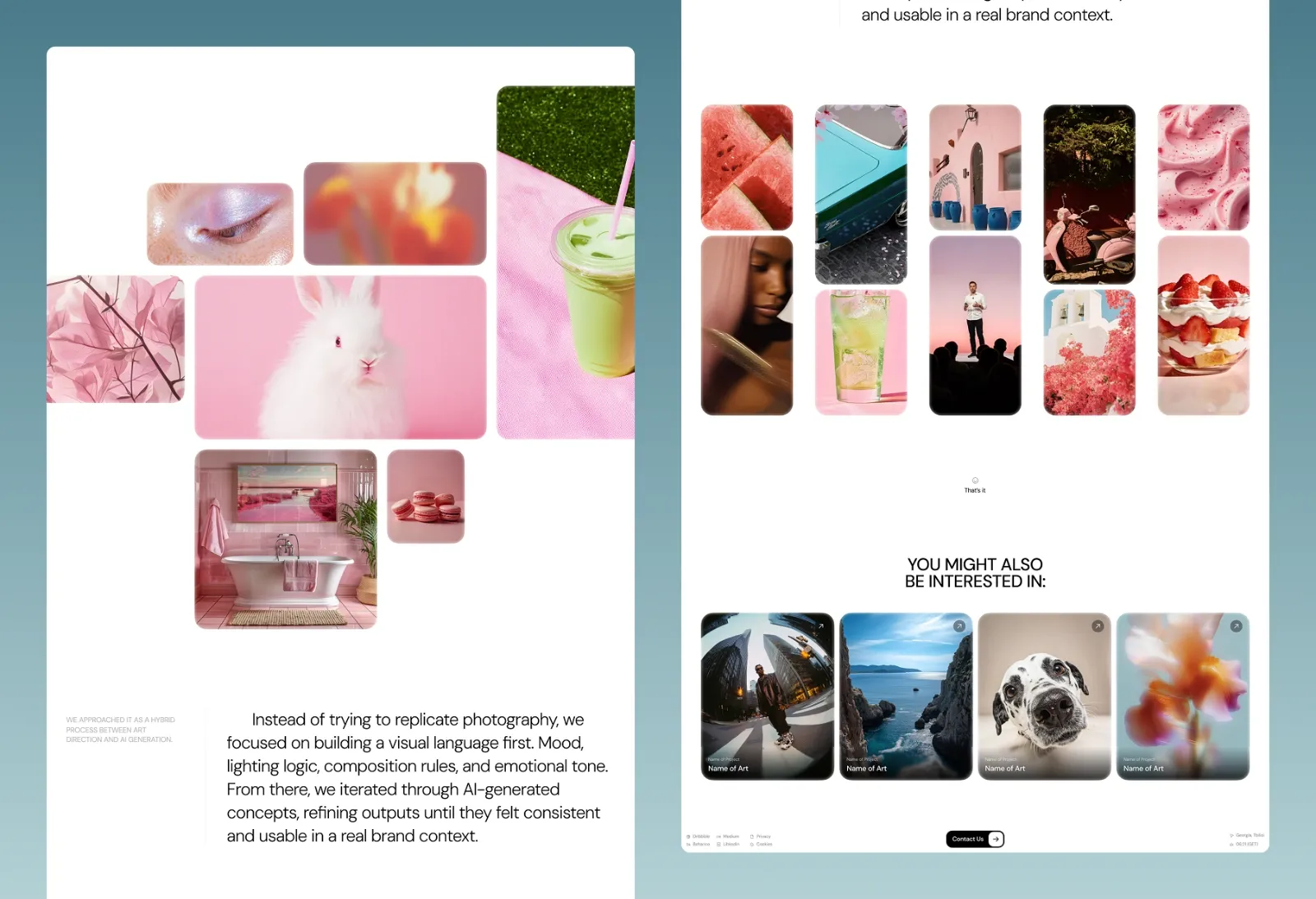
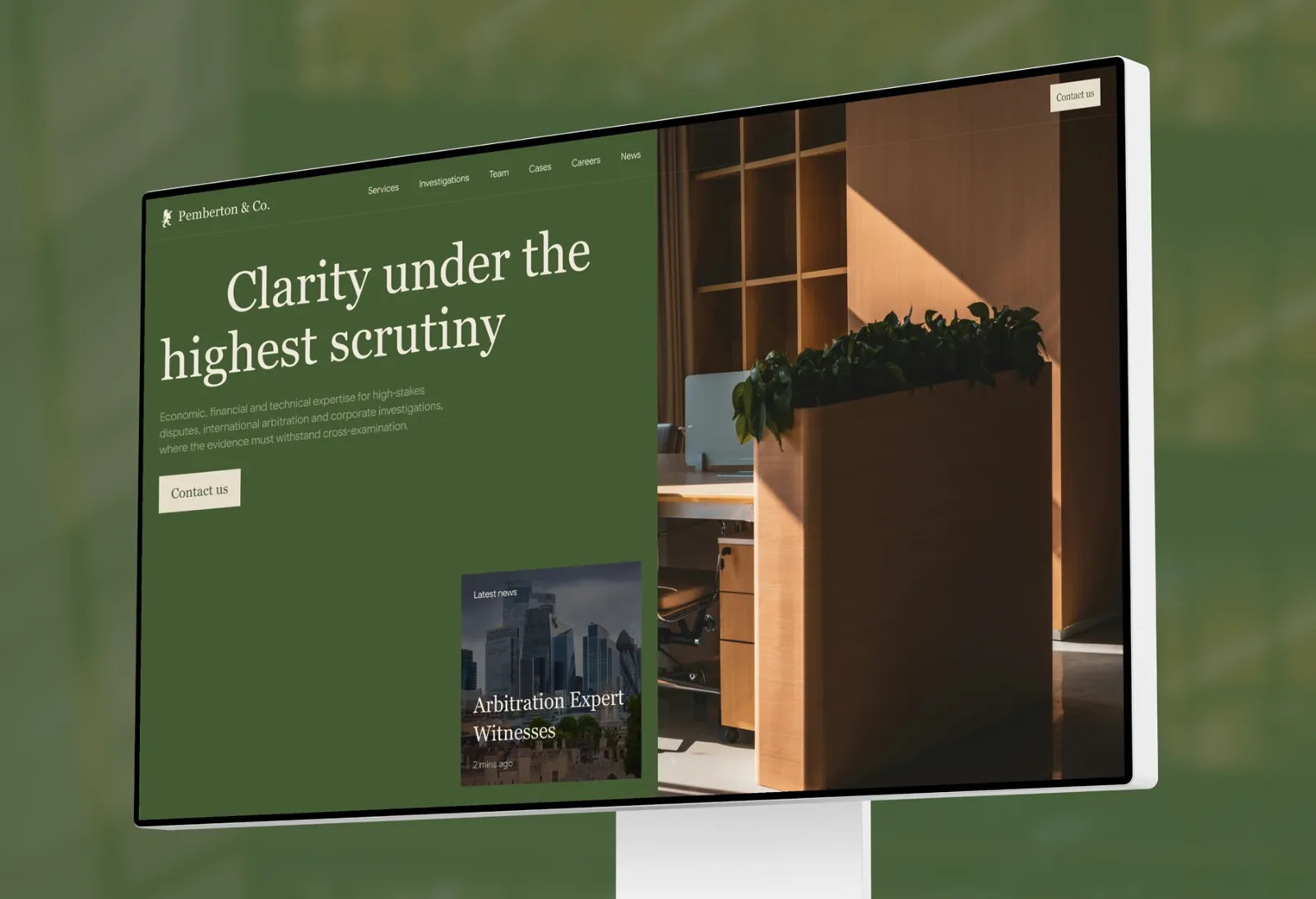
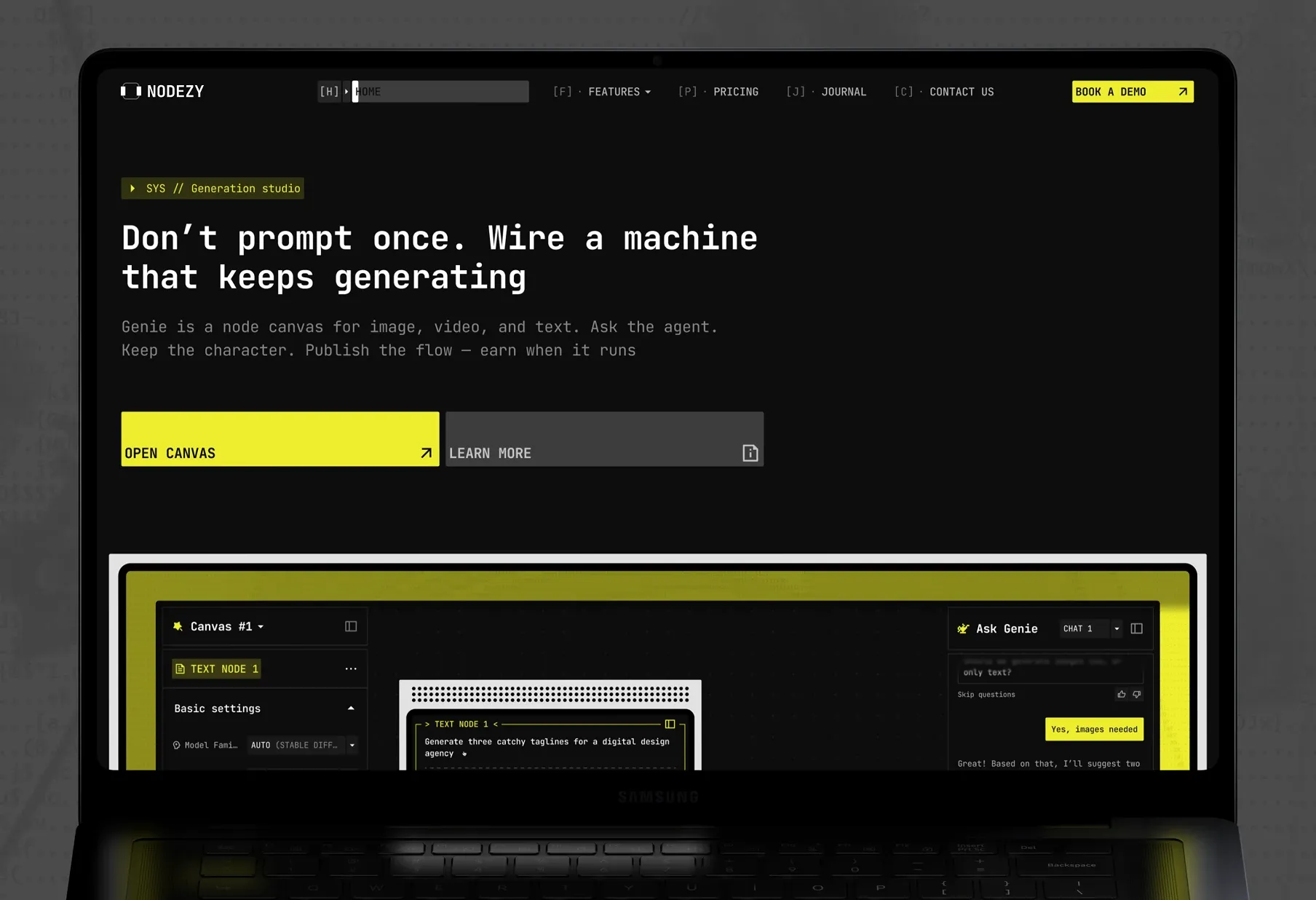
Presentation shots of the template: several pages side by side.

Features

What's built into SWG Studio

The work leads

A short, bold headline sits above a full grid of case studies, with nothing in between.

Case study pages

Every project opens as its own page with the client name and visuals; 12 sample cases are included.

A studio with a story

The About page brings key numbers, a team section with roles and personal quotes, four service categories and an FAQ.

Briefs, not just messages

The contact form takes drag-and-drop uploads (up to 5 files), a budget range and can save the request as a draft.

Small details that feel alive

Live local time in the header, smooth page transitions, and working hours, time zone and holiday notice on the contact page.

Also on the pages

  • Image-first case grid on the homepage
  • 12 sample case study pages
  • Live local time and location in the header
  • Smooth page transitions with Astro View Transitions
  • Contact form with file upload, budget and drafts
  • SEO, Open Graph and Twitter card tags

Customize with AI

Make SWG Studio yours with an AI assistant

No need to learn the codebase first. Here is the short way from download to your own site.

  1. 1

    Open it in your AI editor

    Download the source after checkout and open the folder in Claude Code, Cursor or Codex. It's a standard Astro project, so pages, components and copy are plain files the assistant can read.

  2. 2

    Describe your product

    Tell the assistant what you sell and who it's for. Start with one instruction like this and refine page by page:

    “Turn this SWG Studio template into the website for [your product]: replace the name, logo, colours and all the copy, keep the layout and components, and show me the home page when you're done.”

  3. 3

    Preview, then publish

    Check every page in the dev server, then deploy the static build to Cloudflare, Netlify, Vercel or any static host.

Try SWG Studio with your brand first Guide: customize an Astro template with Claude Code Guide: publish an Astro site on Cloudflare

Quick answers

SWG Studio FAQ

Questions about this template, licensing and updates.

All questions
Who is SWG Studio for?

AI image and art studios, 3D and CGI studios, motion designers, creative agencies, art directors and freelance visual artists: anyone whose work should speak before the copy does.

Which pages does SWG Studio include?

7 page types: home with the case grid, case study, about, contact, privacy policy, terms and cookies.

How many case studies are included?

12 sample case study pages, each with area, client, deliverables, stage, images and related cases. Add your own projects the same way.

Can clients send files through the contact form?

Yes. The form takes drag-and-drop uploads (up to 5 files) and a budget range, and can save the request as a draft. Connect it to your form service to receive the briefs.

Can I customize SWG Studio with Claude Code or Cursor?

Yes. It's a standard Astro project, so Claude Code, Cursor, Codex or GitHub Copilot can read the code and change copy, colours and pages from plain-English instructions. Our guide to customizing an Astro template with Claude Code walks through it.

Can I use a template for client projects?

Yes. The standard licence covers websites you build for yourself and for your clients.

Can I resell the template?

No. You can't resell or redistribute the template files themselves (as they are or modified) as a template, theme or kit.

Do I get free updates?

Yes. When we update a template you've bought, you can download the new version from your Blink customer portal.

Is support included?

Yes. Email us with your order number and we'll help with setup questions and bugs.

Pay once, ship this week

Get SWG Studio

Download the full source straight after checkout. Updates are free, and the licence covers your own sites and your clients'.

  • Full Astro source code
  • 7 page types, ready to edit
  • Free updates
  • Instant download after checkout

One-time payment

$79

Standard licence. Build websites for yourself or your clients. See licence terms.

Buy now · $79
Live preview

Secure checkout by Blink · VAT included

More templates

View all

From the blog

Learn to ship faster

Practical writing on AI-assisted workflows, Astro and Next.js, and building sites that sell.

All articles

SWG Studio · $79 once, VAT included

Buy now · $79 Live preview